

中文版
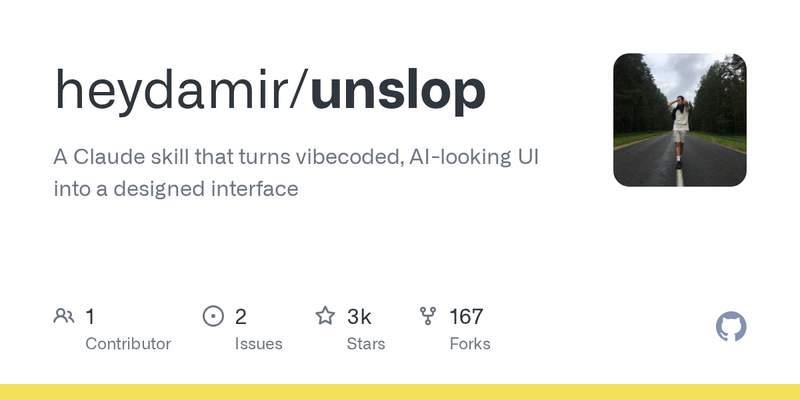
unslop(GitHub:https://github.com/heydamir/unslop ,2026-10-29 创建,今晨抓取时已 3,494★)是给 Claude Code 和 Codex 用的技能,专门治“AI 味”界面:紫色渐变、发光、emoji 标签、喊叫式文案、间距不均——它先把这些“油腻”找出来,再按你的产品定一个设计方向,然后像设计师做红线批注一样,一屏一屏地改过去。
它什么框架都吃:Next.js、React、Vue、Svelte、Tailwind 或纯 HTML/CSS 都行,仪表盘、应用、落地页都能改,甚至只有一个线上链接的 live 站点也能动手。装法也简单:Claude Code 是把技能文件夹拷进 ~/.claude/skills/,Codex 可以直接让它从仓库安装。作者 Damir Sokolovsky 此前就在 X 上连载“Unslopping”系列,这个技能就是那套方法的落地版。
为什么值得了解
- 几乎每个用 AI 写过前端的人都见过这种“AI 味”:第一眼就知道是机器生成的界面;这个技能把“去 AI 味”变成了一道可重复的工序,而不是凭感觉一遍遍调提示词
- 对正在求职、做作品集的开发者尤其有用:同一个项目,界面“像设计师改过”和“一看就是 AI 生成的”给面试官的印象完全不同
- 它不挑框架、不绑工具,装上就能在现有项目里用,改造成本很低
English Version
unslop (GitHub: https://github.com/heydamir/unslop , created 2026-10-29, 3,494 stars at this morning’s fetch) is a skill for Claude Code and Codex that fixes “AI-looking” interfaces: purple gradients, glows, emoji labels, shouty copy, uneven spacing — it finds the slop first, sets a design direction from your product, then reworks the screen pass by pass, like a designer doing a redline review.
It eats any stack: Next.js, React, Vue, Svelte, Tailwind or plain HTML and CSS, on dashboards, apps and landing pages — even a live site where all you have is a link. Installation is simple: for Claude Code, copy the skill folder into ~/.claude/skills/; for Codex, ask it to install straight from the repo. Author Damir Sokolovsky previously ran the “Unslopping” series on X; this skill is that method made runnable.
Why it’s worth knowing
- Almost anyone who has had AI write a frontend has seen this “AI look”: an interface you can tell at a glance was machine-generated. This skill turns “de-slopping” into a repeatable procedure instead of tweaking prompts by feel over and over
- Especially useful for developers job-hunting or building a portfolio: the same project lands very differently with a reviewer when its interface looks “designer-reviewed” rather than “obviously AI-generated”
- It is framework-agnostic and tool-light: install it and use it in an existing project, with very low adoption cost
评论(0)
暂无评论